
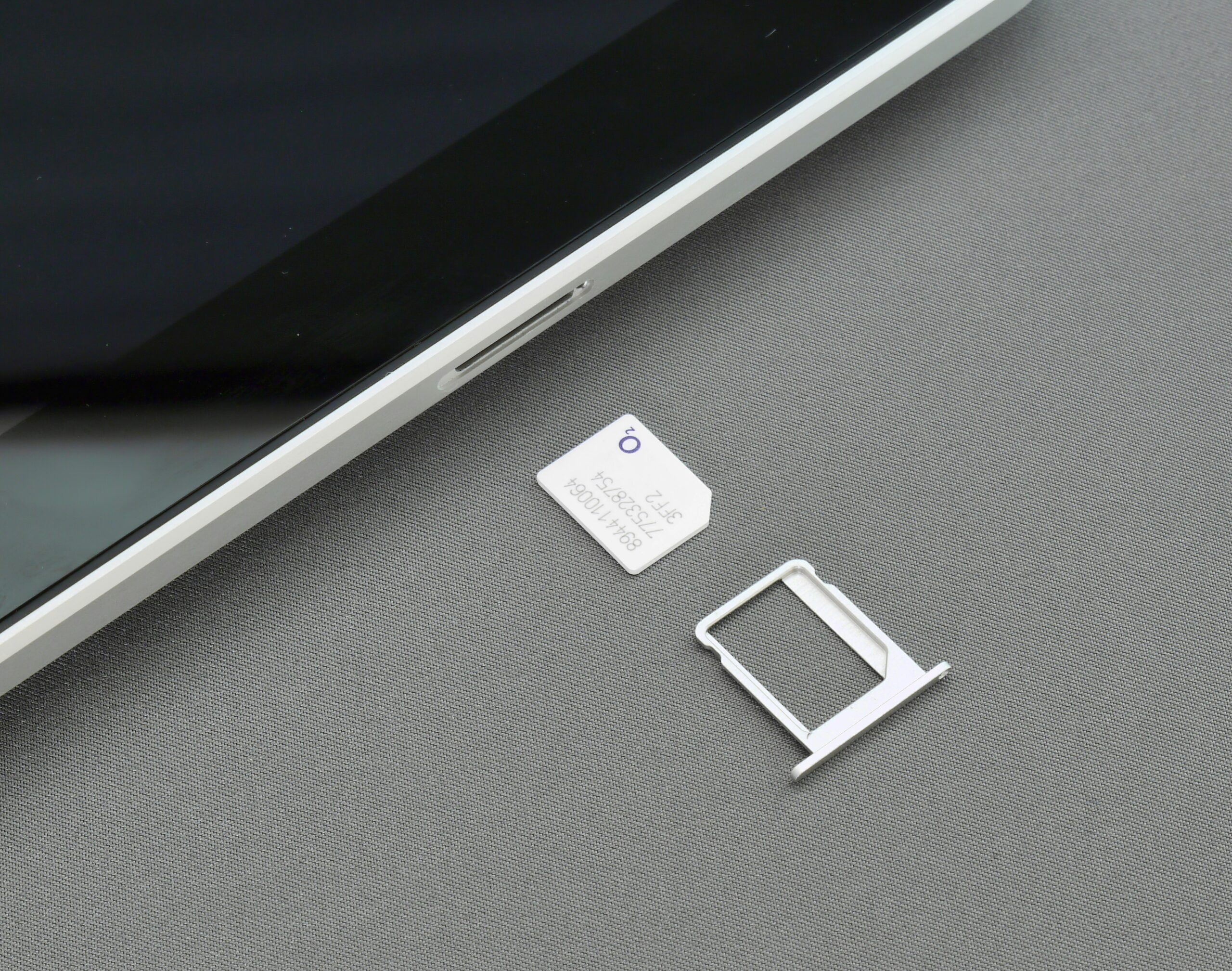
Most of us have a memory of swapping SIM cards. Sitting at the airport café, fiddling with the tray, trying not to drop that little sliver of plastic under the seat. It worked, but it always felt a bit clumsy. Phones are different now. With eSIM, there’s no card at all. The tech is built straight into the device. Making the switch sounds tricky, but in practice it’s not much harder than downloading an app.
Check if Your Phone Can Handle It
Not every device is ready yet. Most recent ones are, but it’s worth checking before you do anything else. Head into your settings and see if there’s an option to add an eSIM. If not, your phone’s too old, and you’ll have to wait for an upgrade.
Back It Up Just in Case
Backing up your phone takes a few minutes, but it saves headaches if something goes wrong. Contacts, photos, notes, all safe in the cloud or on your computer. You’ll probably never need the backup, but people always wish they had one the moment they don’t.
Ask Your Carrier for the Next Step
The switch doesn’t look the same everywhere. Some carriers give you a QR code to scan, others push the setup through their app, and a few still send instructions over email. It’s worth asking what you’ll need and whether it changes your current plan. Sometimes there are small fees, sometimes not.
Activate the Profile
This is the fun part. Instead of sliding plastic in and out, you scan a code or tap a link. The phone handles the rest. It might restart once, and then you should be online. It feels a bit strange the first time because there’s no card to hold, but it works. If you’re curious about the details, you can learn more about eSIMs and see how the setup normally looks in practice.
Make Sure It Works Right Away
Don’t assume it’s fine. Open your browser, send yourself a quick text, maybe place a short call. If it fails, fix it immediately, better in your hotel room than halfway to the train station when you actually need directions.
Keep the Old SIM Safe
Don’t toss the old card. Pop it in a wallet or bag and keep it as backup. A few countries still don’t support eSIM fully, and if your phone glitches, the physical card can bail you out. It’s small, so carrying it isn’t a big deal.
Try Running Two Lines
This is something people often forget. You can keep your regular SIM active while using the eSIM for data. Handy if you’re traveling and want your home number live for texts. Or set up a work number on one side and a personal line on the other. It feels odd at first, but after a week you won’t think twice.
Don’t Forget the Little Things
Switching networks can use more battery, so a small power bank’s worth having. Also, check that apps tied to your number, like banking codes and two-factor logins, still behave after the change. Most work fine, but it’s good to test.
Living Without Plastic
After the switch, you’ll probably laugh at how simple it feels. No trays, no tools, no envelopes arriving in the mail. Plans can be added in minutes. Once you’ve done it, the old way seems slow and a bit outdated.
Final Thoughts
Changing from a physical SIM to an eSIM isn’t a complicated project. A backup, a code, and a quick test are about all it takes. After that, the old card becomes a backup you rarely touch, while your phone carries on with less fuss.