Close Menu
Ztoog
    What's Hot
    Science

    UFO hearing: Why do so many people believe aliens have visited Earth?

    Technology

    GM is expanding its hands-free driving system to rural highways

    AI

    HyperLLaVA: Enhancing Multimodal Language Models with Dynamic Visual and Language Experts

    Important Pages:
    • About Us
    • Contact us
    • Privacy Policy
    • Terms & Conditions
    Facebook X (Twitter) Instagram Pinterest
    Facebook X (Twitter) Instagram Pinterest
    Ztoog
    • Home
    • The Future

      What is Project Management? 5 Best Tools that You Can Try

      Operational excellence strategy and continuous improvement

      Hannah Fry: AI isn’t as powerful as we think

      FanDuel goes all in on responsible gaming push with new Play with a Plan campaign

      Gettyimages.com Is the Best Website on the Internet Right Now

    • Technology

      Iran war: How could it end?

      Democratic senators question CFTC staffing cuts in Chicago enforcement office

      Google’s Cloud AI lead on the three frontiers of model capability

      AMD agrees to backstop a $300M loan from Goldman Sachs for Crusoe to buy AMD AI chips, the first known case of AMD chips used as debt collateral (The Information)

      Productivity apps failed me when I needed them most

    • Gadgets

      macOS Tahoe 26.3.1 update will “upgrade” your M5’s CPU to new “super” cores

      Lenovo Shows Off a ThinkBook Modular AI PC Concept With Swappable Ports and Detachable Displays at MWC 2026

      POCO M8 Review: The Ultimate Budget Smartphone With Some Cons

      The Mission: Impossible of SSDs has arrived with a fingerprint lock

      6 Best Phones With Headphone Jacks (2026), Tested and Reviewed

    • Mobile

      Android’s March update is all about finding people, apps, and your missing bags

      Watch Xiaomi’s global launch event live here

      Our poll shows what buyers actually care about in new smartphones (Hint: it’s not AI)

      Is Strava down for you? You’re not alone

      The Motorola Razr FIFA World Cup 2026 Edition was literally just unveiled, and Verizon is already giving them away

    • Science

      Big Tech Signs White House Data Center Pledge With Good Optics and Little Substance

      Inside the best dark matter detector ever built

      NASA’s Artemis moon exploration programme is getting a major makeover

      Scientists crack the case of “screeching” Scotch tape

      Blue-faced, puffy-lipped monkey scores a rare conservation win

    • AI

      Online harassment is entering its AI era

      Meet NullClaw: The 678 KB Zig AI Agent Framework Running on 1 MB RAM and Booting in Two Milliseconds

      New method could increase LLM training efficiency | Ztoog

      The human work behind humanoid robots is being hidden

      NVIDIA Releases DreamDojo: An Open-Source Robot World Model Trained on 44,711 Hours of Real-World Human Video Data

    • Crypto

      Google paid startup Form Energy $1B for its massive 100-hour battery

      Ethereum Breakout Alert: Corrective Channel Flip Sparks Impulsive Wave

      Show Your ID Or No Deal

      Jane Street sued for alleged front-running trades that accelerated Terraform Labs meltdown

      Bitcoin Trades Below ETF Cost-Basis As MVRV Signals Mounting Pressure

    Ztoog
    Home » Is Quetta Browser Better Than Kiwi: Let’s Test It
    Gadgets

    Is Quetta Browser Better Than Kiwi: Let’s Test It

    Facebook Twitter Pinterest WhatsApp
    Is Quetta Browser Better Than Kiwi: Let’s Test It
    Share
    Facebook Twitter LinkedIn Pinterest WhatsApp

    • But once I checked the whole listing of options that Quetta claimed to have, I needed to give it a strive.
    • I additionally examined Grammarly, Google Keep, and some different productiveness extensions, and Quetta was in a position to convey the identical desktop-level expertise on my cellphone.
    • I additionally confronted no points in utilizing VPN via an extension, and was in a position to make use of it by offering the mandatory permissions on Android.

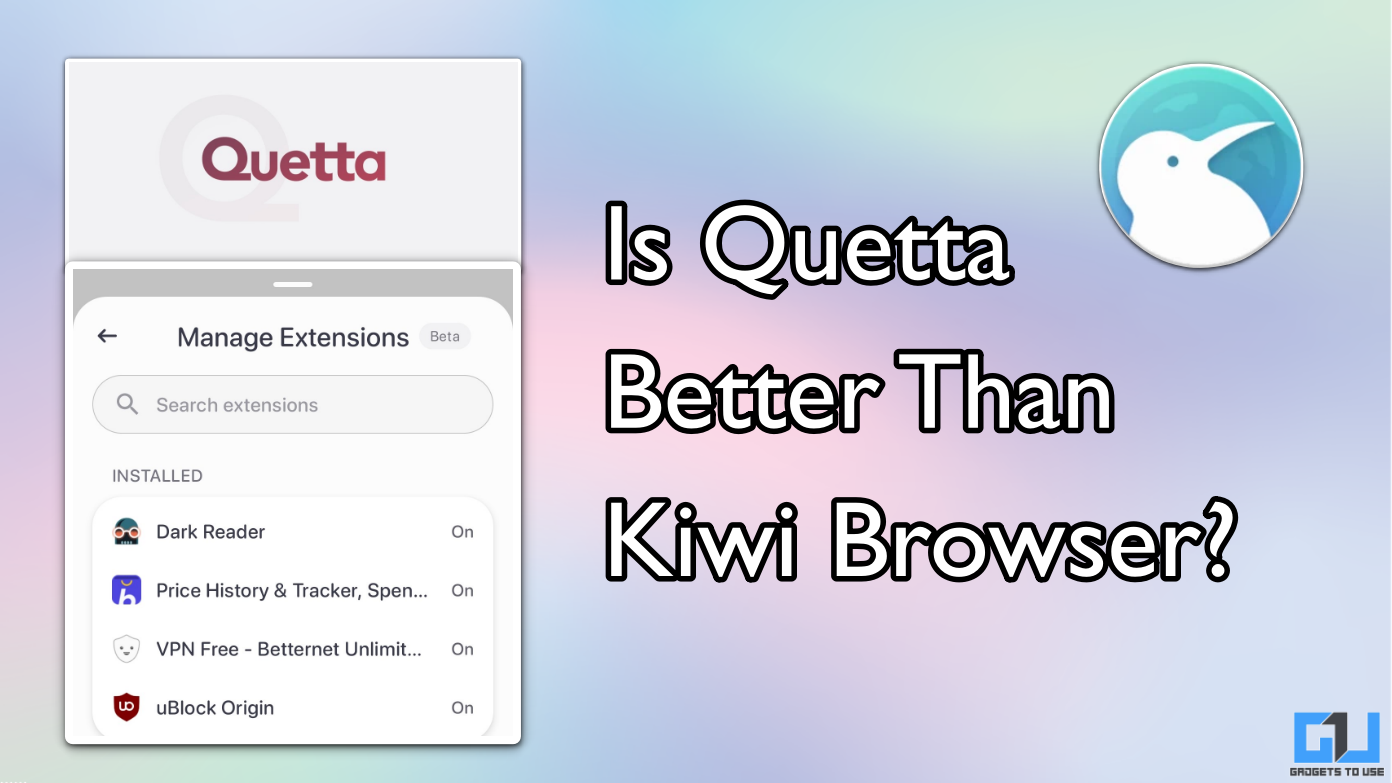
    Kiwi was among the many first browsers to assist desktop extensions on a smartphone. However, the app has now been discontinued and faraway from the Google Play Store. In our quest to discover a good different to Kiwi, I got here throughout Quetta browser with extension assist. Interestingly, it additionally brings superior privateness options like a built-in AI-powered ad-blocker, video downloader, blocking trackers, and extra. Being a long-term Kiwi browser person on Android, right here’s a fast evaluation of my expertise with the Quetta browser. Spoiler alert: it’s the proper substitute for Kiwi browser.

    Quetta Browser: What’s Special?

    When I first heard in regards to the Quetta browser, I used to be not fairly able to make the shift. Mozilla Firefox and Microsoft Edge have already got assist for widespread extensions, and these two even have a status out there. Hence, why would I trouble trying wherever else? But once I checked the whole listing of options that Quetta claimed to have, I needed to give it a strive.

    Starting with the spotlight, the assist for extensions. The cause behind Kiwi being my favorite browser was its seamless assist for nearly any extension that runs on Chrome for desktop. That’s exactly what Quetta brings to the desk, in comparison with a handful of extensions in Edge and Firefox.

    Quetta browser homepage
    extensions in Quetta

    The second I fired up Quetta on my cellphone, I used to be shocked. I used to be welcomed with a neat house web page, with no Google Discover options, no advertisements, and never even prompt bookmarks. Just a clear search bar and the Quetta emblem. Other browsers ought to actually be taught from this.

    The browser hundreds web sites shortly, and the animations really feel snappy. I didn’t face any lag or slowdowns, even whereas loading the desktop variations of YouTube and Facebook. During the setup, the browser asks you whether or not you wish to allow ad-blocking, which I did.

    The built-in ad-blocker labored flawlessly. I opened just a few information web sites which are infamous for repeated advert popups and have a really messy interface to navigate via. In Quetta, the identical web sites open so contemporary, identical to how I anticipate them on my pc. Even with ad-blocking enabled, there have been no delays in loading occasions of the web page. Overall, I used to be actually impressed with the Quetta browser, and common customers will certainly benefit from the expertise. It looks like a refined model of Chrome, however with advert blocking.

    Extensions in Quetta Browser

    For the last word take a look at of Quetta, I first looked for the highest three extensions that I exploit on my pc: Dark Reader, Buy Hatke, and VPN. All of them obtained simply put in, and I used to be in a position to get them working with none trouble.

    The Dark Reader extension carried out exceptionally properly, changing white internet pages into darkish mode, even when they don’t assist it. This is definitely a heavy activity as your cellphone has to render the web page manually, however Quetta manages it surprisingly properly.

    BuyHatke extension
    VPN

    To use Buy Hatke, I needed to change to the desktop model of the web site. This can occur for some extensions as a result of format and scaling problems with a smartphone. But as soon as you turn to the desktop website, it really works utterly advantageous. I additionally confronted no points in utilizing VPN via an extension, and was in a position to make use of it by offering the mandatory permissions on Android.

    I additionally examined Grammarly, Google Keep, and some different productiveness extensions, and Quetta was in a position to convey the identical desktop-level expertise on my cellphone. I additionally discovered the person interface to be higher than Kiwi, so Quetta is successful the race.

    Also Read: Here’s How You Can Use Chrome Extensions on Android

    Quetta additionally helps video downloading from virtually any web site, besides streaming platforms like Amazon Prime Video, Netflix, and so on. By doing a easy lengthy press on any video, you’re going to get a direct choice to obtain and save the video in your cellphone. This works very properly on social media platforms like Facebook, X (Formerly Twitter), Reddit, Instagram, and extra. However, this function doesn’t work on YouTube, which is a draw back. But you do have the choice to make use of an extension, in order that will get you coated.

    native video download option
    Built-in video downloader
    playlist
    Playlist function

    You may add a video from any web site to a playlist, which will get saved domestically in your browser. So while you come throughout an attention-grabbing video on a information web site or a analysis portal, you need to use it as a Watch Later function, and entry such movies from all websites in a single place. If you’re a procrastinator, then that is the function for you.

    Can Quetta Replace Kiwi?

    The quick reply is YES. Quetta has all of the options to hold ahead the legacy of the Kiwi browser, by supporting desktop extensions. It additionally brings highly effective ad-blockiing, privateness, and video downloading options, which make it even higher. However, the dearth of a desktop app makes it tough for customers to sync their accounts and bookmarks throughout units, which is the largest shortcoming in Quetta proper now.

    Quetta says that they’re working to convey the browser for Windows, macOS, and even VisionOS quickly. However, there’s no timeline supplied on the identical. If you’re searching for a mobile-only browser with highly effective extension assist, then Quetta is presently the perfect browser. But if you’re somebody who desires seamless account syncing throughout units, then it’s possible you’ll contemplate Mozilla Firefox or Microsoft Edge, as they bring about sync together with assist for handful of widespread extensions.

    You might also wish to learn:

    Have any questions associated to our how-to guides, or something on the planet of know-how? Check out our new DevicesToUse AI Chatbot without cost, powered by ChatGPT.

    You may observe us for immediate tech information at Google News or for ideas and tips, smartphones & devices critiques, be a part of the DevicesToUse Telegram Group, or subscribe to the DevicesToUse Youtube Channel for the most recent evaluation movies.

    Was this text useful?

    YesNo

    Share. Facebook Twitter Pinterest LinkedIn WhatsApp

    Related Posts

    Gadgets

    macOS Tahoe 26.3.1 update will “upgrade” your M5’s CPU to new “super” cores

    Gadgets

    Lenovo Shows Off a ThinkBook Modular AI PC Concept With Swappable Ports and Detachable Displays at MWC 2026

    Gadgets

    POCO M8 Review: The Ultimate Budget Smartphone With Some Cons

    Gadgets

    The Mission: Impossible of SSDs has arrived with a fingerprint lock

    Gadgets

    6 Best Phones With Headphone Jacks (2026), Tested and Reviewed

    Gadgets

    5 changes to know about in Apple’s latest iOS, macOS, and iPadOS betas

    Gadgets

    Lenovo Unveils AI-Enhanced Legion Y700 (2026): A New Benchmark For Compact Gaming Tablets

    Gadgets

    ASUS Vivobook S16 OLED Review: The Most Practical 16-inch Laptop Right Now

    Leave A Reply Cancel Reply

    Follow Us
    • Facebook
    • Twitter
    • Pinterest
    • Instagram
    Top Posts
    Gadgets

    14 Best Laptop Backpacks (2023): Weather-Proof, Sustainable, Stylish

    (*14*)When I (Adrienne) journey for work, I usually carry a Tom Bihn bag, and the…

    The Future

    Robot beats human in mental and physical labyrinth test

    A robotic has bested human opposition in a physical and mental process for the very…

    Crypto

    Solana Enjoys Better Pastures As SOL Blows Through $70

    SOL traders are having fun with this yr’s festive season as Solana enters the $70…

    Technology

    George Carlin’s Estate Reaches Settlement After A.I. Podcast

    The property of the comic George Carlin reached a settlement on Monday with the makers…

    Science

    Swimming behind someone cuts drag by up to 40 per cent

    Swimming in sure positions relative to different swimmers can provide a bonusShutterstock/Jacob Lund Swimming with…

    Our Picks
    Crypto

    Arkham Intel Makes Do Kwon Crypto Wallet Hunt Official

    Mobile

    Alleged changes made to Galaxy S24 Ultra screen show that customer is not always right

    Crypto

    Here’s Why Bitcoin Is Increasingly Framed As A Modern Savings Tool

    Categories
    • AI (1,560)
    • Crypto (1,826)
    • Gadgets (1,870)
    • Mobile (1,910)
    • Science (1,939)
    • Technology (1,862)
    • The Future (1,716)
    Most Popular
    Science

    How to Clean up Space Debris: High Tech Solutions

    Crypto

    Explaining Blockchain Capital’s Big Bet on an Eyeball-Scanning Orb

    Science

    Here’s a Clever Way to Uncover America’s Voting Deserts

    Ztoog
    Facebook X (Twitter) Instagram Pinterest
    • Home
    • About Us
    • Contact us
    • Privacy Policy
    • Terms & Conditions
    © 2026 Ztoog.

    Type above and press Enter to search. Press Esc to cancel.